Service
Commercial Audio Visual Systems: Conference Rooms, Paging and Distributed Audio
For general contractors, IT directors, school district facilities staff and warehouse operators who need conference rooms that connect on the first try, paging that can be heard over a forklift, and audio systems that are cabled, labeled and documented like the rest of the building. We install the displays, audio, control and cabling, and we commission every room before turnover.
No obligation, and we will say so if the work is outside our license.
- Crestron
- Extron
- Q-SYS
- Shure
- Bose Professional
- AtlasIED
- Bogen
We are not tied to any brand. If your drawings call for something else, we install to the specification.
What we install: rooms, paging, distributed audio, and control#
Telelink Business Services is a licensed C-7 Low Voltage Systems Contractor, CSLB License #472017. Sound and audio visual systems are within the C-7 classification, and we install them for offices and tenant improvements, public agencies, K-12 and higher education, clinics, and warehouses across California.
Our AV scope includes:
- Conference, huddle, boardroom, training and classroom AV: displays, cameras, microphones, speakers, and video conferencing room systems
- Overhead paging, bell and intercom systems for schools, warehouses and manufacturing floors
- Distributed audio for lobbies, common areas, fitness rooms and outdoor spaces
- Sound masking for open offices, clinics and agency floors
- Control systems, from a single touch panel in a boardroom to a processor running a building
- All cabling: HDBaseT over Cat6A, AV over IP on the data network, speaker wire, control and fiber for long runs
- Rack build, labeling, programming, commissioning and documentation
Crestron, Extron, Q-SYS, Shure, Bose Professional, AtlasIED and Bogen are the manufacturers most commonly specified on the California commercial projects we see, and we install to the specification. Where no specification exists we write one with the owner, based on the rooms, the platform the organization already uses, and the budget.
Conference and huddle rooms that people actually use#
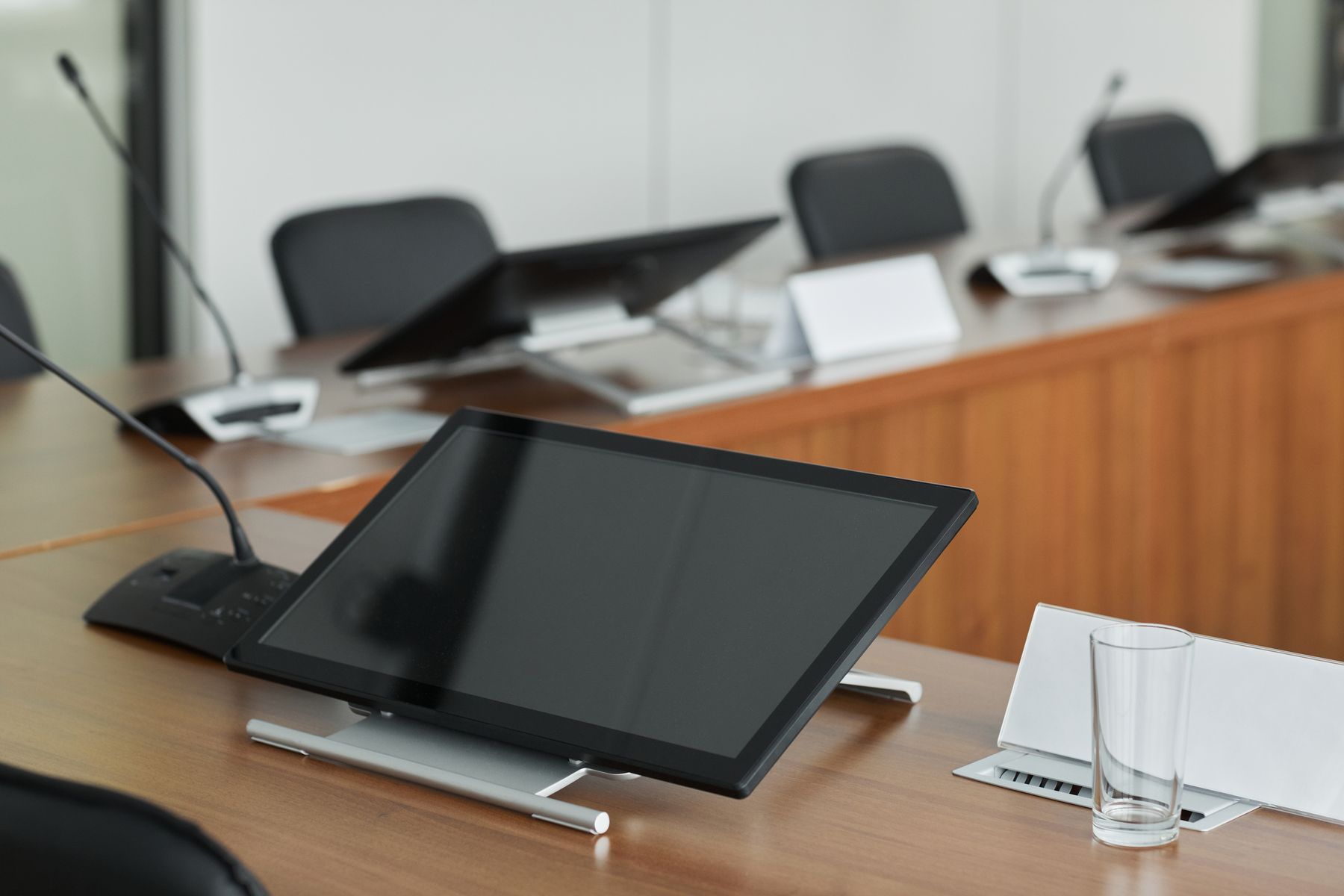
A conference room fails when the first five minutes of every meeting are spent finding the right input. The fix is to design the room around one platform and one button. Most organizations already run Microsoft Teams, Zoom or Google Meet, and each has a room system program with a compute unit, a touch controller on the table, and a supported list of cameras, microphones and speakers. We build the room from that list, join it to the owner’s tenant, and make the calendar show up on the controller so a meeting starts with one tap.
Room size drives the hardware. A huddle room for four people needs a display, a video bar with an integrated camera and microphone array, and a touch controller. A conference room for twelve needs a wider camera or two, ceiling or table microphones placed for the seating, speakers that cover the far end of the table, and a display sized so the person at the back can read a spreadsheet. A boardroom or training room adds a second display, a presenter camera, wireless presentation, and often a control processor that ties lighting and shades to the room modes.
Display sizing is a distance calculation, not a preference. For a room where people read detailed content, the display should be tall enough that the farthest seat is no more than roughly four times the screen height away.
Cabling for a room is designed before the walls close: a data drop and HDBaseT or AV over IP run to each display, a drop to the table box, conduit from the table to the wall for the floor box, and a power outlet behind each display and at the rack by the electrician. On a tenant improvement such as the State Controller’s Office floor, where we installed the network cabling and IT room, AV drops belong in the same pull and the same test report as the data drops, which is what makes them findable a year later.
Overhead paging, bells and intercom for schools and warehouses#
Paging is the system everyone forgets until a shift supervisor cannot reach the dock. A commercial paging system is a set of amplifiers, zones and speakers designed so an announcement is intelligible at every point that matters, at a level above the ambient noise in that area.
70V distributed audio is the standard for paging across large areas. Each speaker has a transformer with taps, so dozens of speakers run on one amplifier over ordinary speaker wire, and the level at each speaker is set by tap rather than by a volume knob nobody can find. Horn speakers cover warehouse and yard areas; ceiling speakers cover offices and corridors; each is zoned so a page to shipping does not interrupt the front office.
IP paging puts an amplifier in each speaker and sends audio over the data network, which suits multi-building campuses and integrates directly with a VoIP phone system, so a page is a dial code from any handset.
Bell and intercom systems for schools add a bell schedule, classroom call-in to the front office, all-call and zoned announcements, and emergency notification tones. We install to the district’s specification, coordinate with the phone system where the two are integrated, and test every classroom speaker and call switch. On a campus renovation like Touro University, where the data cabling, wireless and fiber backbone went in at once, a paging system specified in the same package shares those pathways and that labeling scheme.
For warehouses and manufacturing, we measure the ambient noise on the floor with the equipment running, then design speaker placement and levels to exceed it by a margin that keeps the page intelligible. The industrial and warehouse market page covers how paging, cameras and access control are typically scoped together on those buildings.
Distributed audio and sound masking#
Distributed audio covers the background music and announcements in lobbies, amenity spaces, fitness rooms, dining areas and outdoor patios. The design questions are zoning, source selection, and who controls the level. A property manager wants a wall controller in the lobby and no access to the amplifier; a corporate office wants the lobby on one source and the break room on another. We design the zones with the operator, mount speakers for even coverage rather than volume, and label every zone at the rack.
Sound masking is a different system with a different purpose. It adds a shaped, unobtrusive background sound through emitters in the ceiling or above it, so a conversation two workstations away becomes harder to understand. The result is better speech privacy and less distraction in open offices, and better confidentiality in clinic corridors, agency intake areas, and HR offices. Masking is tuned zone by zone after the furniture is in, because the furniture changes how sound travels.
Cabling for AV: HDMI over Cat6A, HDBaseT, and AV over IP#
AV signal cabling has moved onto category cable and the data network, which puts it in the same discipline as the rest of the building’s structured cabling.
HDBaseT carries uncompressed video, audio, control and often power for the display over one Cat6A cable up to about 100 meters. A transmitter at the source and a receiver at the display do the conversion. Cat6A is the right cable because HDBaseT is sensitive to the crosstalk and attenuation that Cat6 tolerates at shorter data runs, and because Cat6A gives the run headroom for higher resolutions later. The cable is terminated and certified like a data drop.
AV over IP encodes video at the source and sends it across the data network as packets, which lets any display show any source in the building and scales to dozens of endpoints without a matrix switcher. It needs a network switch with enough bandwidth per port, multicast configured correctly, and a VLAN separated from the business network. We design this with the IT director, not around them.
Fiber covers runs beyond 100 meters, between buildings, and where electrical interference is a problem. Speaker wire for 70V systems is sized for the run length and the load. Control runs on the network, RS-232, or IR depending on the device, and each is labeled at both ends.
Pathways matter. AV cable that shares a pathway with power picks up noise, and HDMI cable pulled through a conduit elbow arrives damaged. We coordinate conduit, floor boxes and wall boxes with the GC before drywall so the cable arrives at the display clean and the wall stays clean.
Acoustics in plain terms#
Every AV problem that sounds like a microphone problem is usually a room problem. Three ideas cover most of it.
Reverberation is sound bouncing around a room after the source stops. Glass walls, hard ceilings and polished floors keep sound bouncing, which makes the far end of a video call hear a hollow echo. The fix is absorptive surfaces: acoustic panels, ceiling clouds, carpet, and soft furnishings. We identify the problem during the site walk and flag it to the architect before the room is built.
Background noise is everything the microphone hears that is not a voice: HVAC diffusers over the table, a projector fan, traffic. Ceiling microphones are placed away from diffusers, and we tell the mechanical engineer when a diffuser sits over the conference table.
Speech privacy is the reverse problem: sound from a room leaking into the corridor, or one workstation hearing another. Sound masking, wall construction above the ceiling, and door seals each address part of it.
Rooms with demanding acoustic requirements get an acoustical consultant, and we build to that consultant’s specification. What we bring is the walk-through: we can name the room that will have a problem before the drywall goes up, and we say so in writing.
Control systems and commissioning#
Control is what turns a rack of equipment into a room a person can use. In a huddle room, the video conferencing touch controller is the control system. In a boardroom, a Crestron, Extron or Q-SYS processor runs the displays, sources, audio, lighting and shades from one touch panel, with the pages programmed so the receptionist can run the room without training. Across a campus, the same platforms let facilities staff see which rooms are on, which projector lamp is failing, and reboot a stuck device without a site visit.
Commissioning is where the room is proven. For every room we test each source to each display, every microphone and speaker at the seating positions, the video conferencing platform with a live call from the owner’s tenant, the control pages for every mode, and the schedule and zones on any paging system. The owner’s users sit in on the test. Closeout includes rack elevations, cable labels matched to a schedule, the configuration files for every processor and codec, network addresses, and a one-page room guide that lives on the table.
Next step#
Send us the floor plan with room names and sizes, the conferencing platform your organization uses, and any paging or audio zones you need covered. Use request a bid to upload drawings and we will return a room by room bid with the electrical and backing handoffs drawn. General contractors can start at for general contractors for our prequalification packet and Division 27 scope letter.
FAQ
Questions about audio visual
Which video conferencing platform do you install?
Whichever one your organization already runs. Room systems are built around the owner's platform, most often Microsoft Teams Rooms, Zoom Rooms, or Google Meet hardware, with the camera, microphones, speakers and touch controller chosen from that platform's supported hardware list. We configure the room against your tenant and test with your users before turnover.
Link to this answerShould we run HDMI cables or use HDBaseT?
HDMI cable is fine for a few feet between a table and a display. Beyond that, signal reliability drops and the cable cannot be pulled through conduit or terminated in the field. HDBaseT sends video, audio, control and often power over a single Cat6A cable up to about 100 meters, terminated like a data drop, which is why we specify it for almost every wall display and projector.
Link to this answerCan a paging system work in a warehouse with forklifts and racking?
Yes, with the right design. Horn speakers on a 70V system are placed for coverage between rack aisles, zoned so a page reaches the right area, and set to a level above the ambient noise measured on the floor. We take those measurements during the site walk rather than guessing from the square footage.
Link to this answerDo you install bell and intercom systems for schools?
Yes. School bell and intercom systems are a paging system with a schedule, classroom call-in, and emergency announcement functions, and they are within the C-7 classification. We install to the district's specification, coordinate with the phone system where the two are integrated, and test every classroom speaker and call switch.
Link to this answerWhat is sound masking and does it replace acoustic treatment?
Sound masking adds a shaped, unobtrusive background sound through ceiling emitters so nearby conversations are harder to understand, which improves speech privacy and reduces distraction in open offices and clinic corridors. It does not fix a room that echoes; that is an acoustic treatment problem, and the two are often specified together.
Link to this answerQuestion not answered here? Ask a person who does this work.
Call (916) 340-7503Email usOr send drawings to bidReviews
What clients have said
Excerpts from reviews clients left on Google over roughly the last ten years. Most of them describe phone, cabling, camera and service work rather than large construction projects, which is a fair picture of who was writing reviews at the time.
These guys handled my phone and phone system move along with wire our new office from top to bottom. When all others failed, such as AT&T, Telelink was there to pick up the pieces. Most important out of all the great things I could say, they took all my calls and emails, no matter what time of day or night, even on the weekend and holidays. They know what they are doing and get it done right the first time.
U.S. Certified SignersOffice move: phone system relocation and a full office cabling installationI had an issue with my cameras and called for help. He was able to get me on the schedule within the week. They came out, diagnosed the problem, and fixed everything within a couple hours. Very professional, affordable, and fast.
Evan KorisService call on an existing camera systemAfter switching telephone and internet from ATT to Comcast, I needed to have some phone and data lines moved. I called Telelink and immediately received a professional response. An appointment was efficiently scheduled to coordinate with Comcast. The technicians were friendly, capable, and extremely helpful in working through some glitches. After the service, I received an invoice which was honest and very reasonable.
Glick OfficeMoves and changes on phone and data lines, coordinated with the carrier
Reviews are reproduced as written, trimmed only where an excerpt is marked with an ellipsis. Have we worked for you? Tell us how it went.
Planning a audio visual project? Let’s talk.
Send over a drawing set or just describe what you need. We will tell you what we can take on, what to plan for, and how soon we can be there.