The short answer
Wi-Fi 6 (802.11ax) improved how one access point shares airtime among many clients, which is what matters in classrooms, lobbies and open offices. Wi-Fi 6E is the same standard extended into the 6 GHz band, a large block of clean spectrum that does not pass through walls as well as 5 GHz, so a 6E design usually needs access points closer together or placed inside the rooms. Wi-Fi 7 (802.11be) adds wider channels and multi link operation, and raises both the power the access point draws and the uplink speed it can fill. For a building owner the generation matters less than the infrastructure under it: the cable and the switch outlast two or three access point refreshes, so Cat6A drops and PoE capable switching come first and the radio generation follows.
| Wi-Fi 6 | 802.11ax, 2.4 and 5 GHz, OFDMA airtime sharing |
|---|---|
| Wi-Fi 6E | Adds 6 GHz, shorter reach through walls |
| Wi-Fi 7 | 802.11be, wider channels, multi link operation |
| Typical power | 802.3at for Wi-Fi 6, 802.3bt for 6E and 7 |
| Cabling | Cat6A to every AP, 10GBASE-T to the full 100 m |
| License | CSLB #472017, C-7 Low Voltage Systems |
What actually changes between Wi-Fi 6, 6E and 7#
Each generation changes how radio spectrum is used. None of them changes what the cable in the ceiling has to do. That is why the infrastructure decision and the access point decision usually get made in the wrong order.
Wi-Fi 6 (IEEE 802.11ax) improved how one access point shares its airtime among many clients. Orthogonal frequency division multiple access, OFDMA, splits a channel into smaller units so a single transmission can serve several clients at once instead of one client at a time. Multi user MIMO was improved and extended to the uplink. Neither change makes one laptop faster in an empty room. Both make a classroom of thirty devices, a lobby at noon or an open office floor behave better, because the problem in those rooms is contention rather than raw rate.
Wi-Fi 6E is the same standard operating in a new band. The 6 GHz allocation opened a large block of spectrum with no legacy Wi-Fi traffic in it, which means wide channels are actually available rather than available on paper. That band carries a physical cost, covered below.
Wi-Fi 7 (IEEE 802.11be) adds wider channels, up to 320 MHz where the regulatory domain allows it, and multi link operation, which lets a capable client use more than one band at the same time instead of picking one and staying there. It also adds a denser modulation that works only at short range with a strong signal. It raises the power the access point draws and the uplink speed it can fill.
The decision is not the generation label. It is the client devices that will be on the network in three to five years, and the cabling and switching the owner is willing to install now.
Generation comparison: bands, power and uplinks#
| Generation | Standard | Bands | Typical PoE class | Uplink to plan for | Installation consequence |
|---|---|---|---|---|---|
| Wi-Fi 6 | 802.11ax | 2.4 and 5 GHz | 802.3at Type 2, class 4 | 1 Gb/s is usually enough | Existing Cat6 drops are often adequate |
| Wi-Fi 6E | 802.11ax | 2.4, 5 and 6 GHz | Often 802.3bt Type 3 | 2.5 Gb/s | Closer spacing, more access points, Cat6A |
| Wi-Fi 7 | 802.11be | 2.4, 5 and 6 GHz | 802.3bt Type 3, some Type 4 | 5 or 10 Gb/s | Cat6A, multigig switch ports, larger PoE budget |
Read the data sheet for the specific model rather than the generation. Two Wi-Fi 7 access points from the same manufacturer can differ by tens of watts and by a full step of uplink speed depending on radio count, antenna configuration and whether the model has a second Ethernet port for link aggregation.
Note what the table does not say. It does not say a Wi-Fi 7 access point will not work on a 1 Gb/s port. It will link and it will pass traffic, capped by the port. The reason to plan a faster uplink is that a tri band access point serving a full room can generate more traffic than a 1 Gb/s port can carry, and the port is the part you cannot change later without opening a ceiling.
Wi-Fi 6E and the 6 GHz band: clean spectrum, shorter reach#
The 6 GHz band is the single largest change in this sequence, and the tradeoff is straightforward. More spectrum, less reach.
Higher frequency attenuates more as it passes through building materials. A wall that costs a 5 GHz signal a few decibels costs a 6 GHz signal more. In California commercial and institutional work the materials that matter are plaster over wire lath in older towers, concrete floors and shear walls, metal stud with dense insulation, and low emissivity glass. In those buildings a 6 GHz cell is noticeably smaller than the 5 GHz cell from the same access point in the same location.
The design consequence is placement. A corridor access point that covered rooms on both sides at 5 GHz may not cover them at 6 GHz. The fix is access points inside the rooms, at closer spacing, which raises the count and raises the drop count with it. Budget for that when comparing a 6E design against a 6 design, because the added access points and drops usually cost more than the price difference between the two hardware generations.
Regulatory power class is the other 6 GHz item worth understanding, because it explains why indoor coverage behaves the way it does.
| 6 GHz power class | Where it may operate | Coordination required |
|---|---|---|
| Standard power | Indoor and outdoor, external antennas permitted | Yes, operates under automated frequency coordination |
| Low power indoor | Indoor only, integrated antenna | No |
| Very low power | Indoor and outdoor, short range portable devices | No |
Most enterprise indoor access points operate in the low power indoor class. That class needs no coordination and no database check, which is why it is the practical default for an office, a school or a housing property, and it is part of why the 6 GHz cell is smaller than the 5 GHz cell. Standard power, which is what an outdoor courtyard or parking area link would use, runs under automated frequency coordination: the access point checks a coordination database that tells it which channels are usable at its exact location so it does not interfere with incumbent licensed users. Those incumbents include licensed microwave links of the kind used for building to building paths.
Wi-Fi 7: wider channels, multi link and more power#
Wi-Fi 7’s headline features have practical limits that matter more than the headline.
Wider channels. A 320 MHz channel exists only in 6 GHz, and it consumes a large share of the band. In a building with many access points you cannot give every access point a 320 MHz channel without them overlapping, so a dense design uses narrower channels and gets less of the advertised rate. Wide channels pay off in a small number of high demand rooms, not across a floor plate.
Multi link operation. A Wi-Fi 7 client can use two bands at once, which lowers latency and rides out interference on one band. It does not create spectrum. The benefit is real for voice, video conferencing and anything latency sensitive, and it requires Wi-Fi 7 on both ends.
Denser modulation. The highest rate needs a strong, clean signal, which in practice means a client close to the access point. It changes the peak number on the data sheet more than it changes the experience across a room.
Power and uplink. This is the part that lands in a bid. Wi-Fi 7 access points commonly require 802.3bt, and the uplink they can fill is 5 or 10 Gb/s. Both of those are switch decisions, not access point decisions, and both are covered in our PoE budget planning guide.
The cable and the switch outlast the access point#
This is the part of the decision that survives the meeting. An access point is replaced every five to eight years on most enterprise refresh cycles. The cable in the ceiling and the switch in the IDF are there for fifteen or twenty. A ceiling drop is also the most expensive cable in the building to replace, because replacing it means opening a ceiling in an occupied space, at night, around furniture and people.
So when the budget is fixed, the order is: cabling first, switching second, access points third.
Cat6A to every access point location. Cat6A is specified to 500 MHz and supports 10GBASE-T over the full 100 m channel. Cat6 is specified to 250 MHz and supports 10GBASE-T only over roughly 37 to 55 m, depending on alien crosstalk, though it does carry 1, 2.5 and 5 Gb/s to the full 100 m. The horizontal channel limit is 100 m either way: a 90 m permanent link plus 10 m of patch cords. Our Cat6 vs Cat6A guide has the full comparison.
Two drops per access point location where the design uses a second port for link aggregation or anticipates splitting one cell into two. The second cable costs a fraction of the first because the crew, the pathway and the ladder are already there.
Switch ports that support multigigabit Ethernet, with a PoE budget sized for 802.3bt on every access point port at once and margin on top. A switch sized exactly to the day one access point count is full the first time a camera or an intercom panel is added to the same closet.
If the money runs out after that, buy the current generation of access point rather than the newest. The cabling and switching will already carry the following generation when the access points are due for replacement.
If your building is this, buy that#
| Building | Reasonable choice | Why |
|---|---|---|
| Office tenant improvement, short lease, mostly laptops and phones | Wi-Fi 6 | Client base is Wi-Fi 5 and 6; spend the difference on drops and the switch |
| Office, long lease or owner occupied, dense open plan | Wi-Fi 6E or 7 on Cat6A | Contention is the problem; the extra band and airtime sharing address it |
| K-12 classrooms, one access point per room | Wi-Fi 6E on Cat6A | Per room placement already suits 6 GHz; long building life justifies the cabling |
| Higher education lecture halls, libraries, student housing | Wi-Fi 7 | High client counts, long service life, uplinks already multigig |
| Occupied multifamily and senior housing, unit level coverage | Wi-Fi 6 or 6E | Coverage into units through the construction drives the count more than the generation |
| Warehouse and industrial with handheld scanners | Wi-Fi 6 | Many scanners are 2.4 GHz only; coverage and roaming matter more than 6 GHz |
| Healthcare clinic with telemetry and voice over Wi-Fi | Wi-Fi 6E on Cat6A | Clean spectrum helps latency sensitive traffic; device life is long |
| Government tenant improvement | Whatever the agency standard names | Agencies standardize; deviating creates a support problem, not a benefit |
What the survey decides that the label cannot#
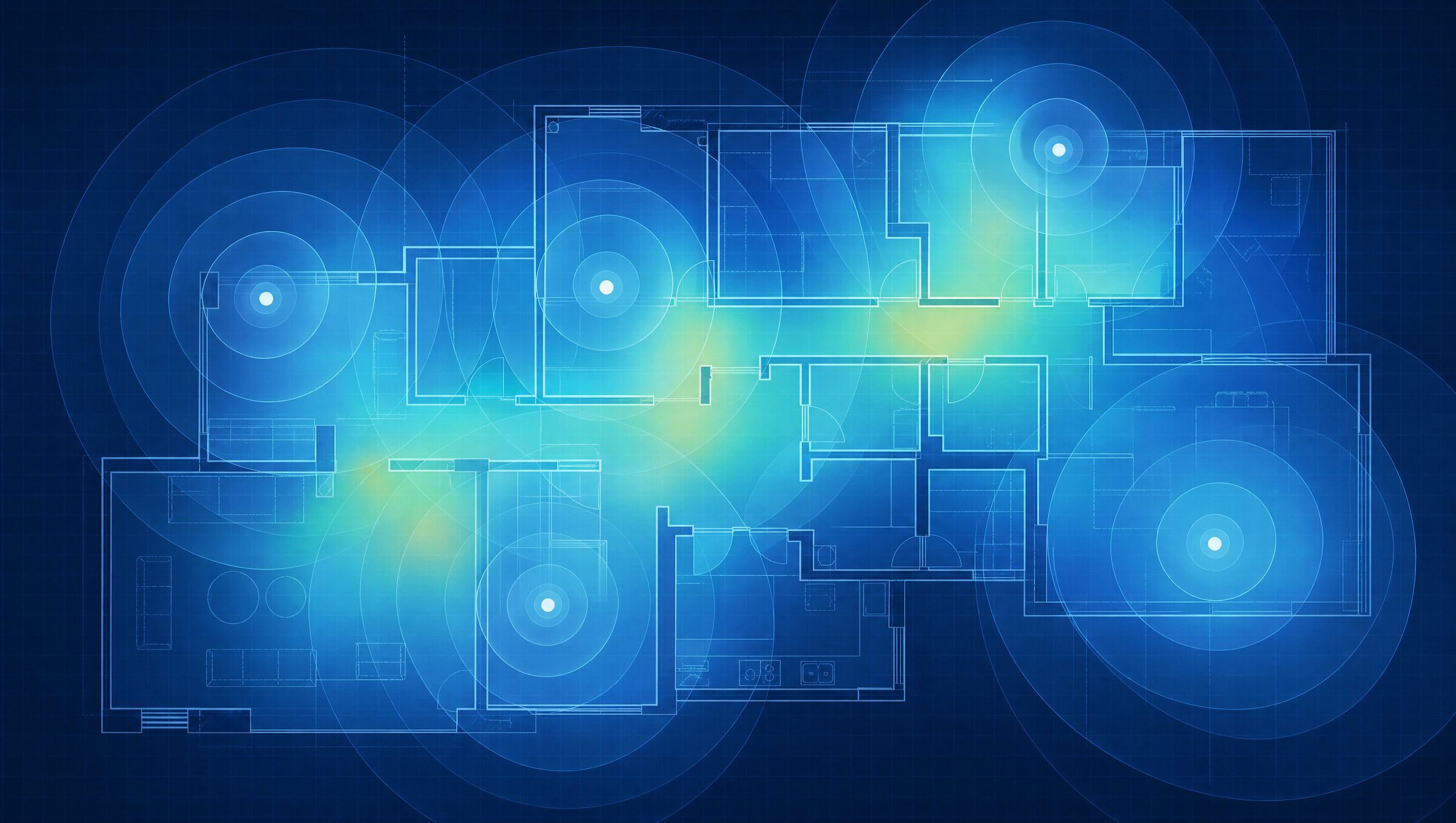
The access point count comes from a survey of the building, not from the generation printed on the data sheet.
A predictive survey from the floor plans models the walls, the floor construction, the glass and the metal, places candidate locations, and simulates coverage at the signal levels the applications need. Voice and video need stronger and more consistent signal than email. That model produces the count, the placement drawing and the channel plan before anything is ordered. An on-site survey with a test access point checks the model against the real building, which matters most in older construction. A validation survey after installation confirms the network meets the design targets and goes in the closeout package.
The survey also settles the 6 GHz question honestly. If the measured attenuation through the building’s walls is high, a 6E or Wi-Fi 7 design needs more access points, and that count belongs in the budget before the generation is chosen rather than after.
Two of our projects show the range. At Touro University in Vallejo, wireless was installed as part of a campus building renovation that also included network cabling, IT room buildout and the fiber backbone, so the access points landed on infrastructure built to carry them. At Little Tokyo Towers in Los Angeles, property wide Wi-Fi went into an occupied multifamily renovation where the construction, not the standard, set the access point count. Our wireless networks and Wi-Fi page covers how we run each survey stage, and our education market page covers the standards that apply to school and campus work. Telelink Business Services is a licensed C-7 Low Voltage Systems Contractor, CSLB License #472017.
Next step#
Send floor plans, a description of the building construction, the client device mix and the switch models you have or plan to buy through request a bid. We will return an access point count and placement, the drop count, the uplink speed each port needs and the PoE budget per IDF, with the current generation and the newest priced side by side. If a general contractor is carrying the wireless scope, the for general contractors page explains how access point locations are submitted and how ceiling access gets coordinated.
This article is general information for planning and specification, not a bid, engineering advice or legal advice. Codes and standards change; confirm the current edition with the authority having jurisdiction. Scope and price for a specific building come only in a written proposal.